The Legends Ultimate arcade cabinet has a bunch of games pre-loaded onto it. All you have to do is turn it on (power button is on the right side of the control panel) and you can use the joystick and A button to choose one of the built-in games.
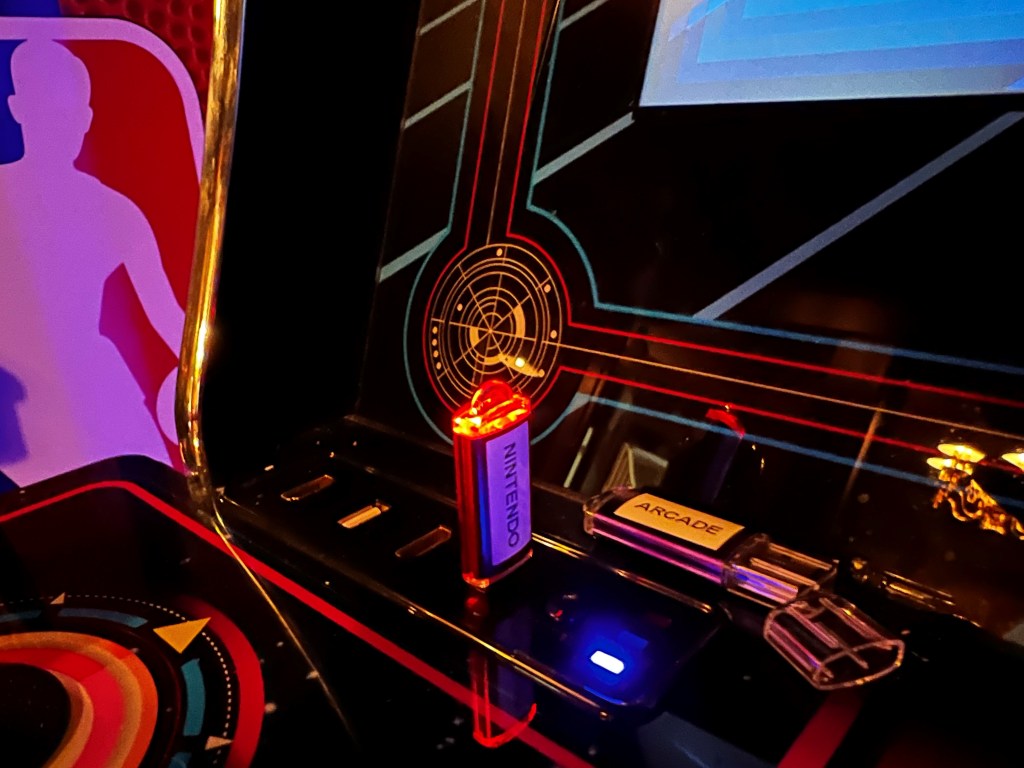
There are additional games available on thumb drives (with labels like “Arcade” and “Nintendo”). Most popular games you might think of that didn’t come with the cabinet are on these thumb drives (e.g. Pac-Man is on the “Arcade” thumb drive, Super Mario Bros is on the “Nintendo” thumb drive). To use one of these thumb drives, take off the cap and insert it into one of the USB slots on the left side of the control panel.
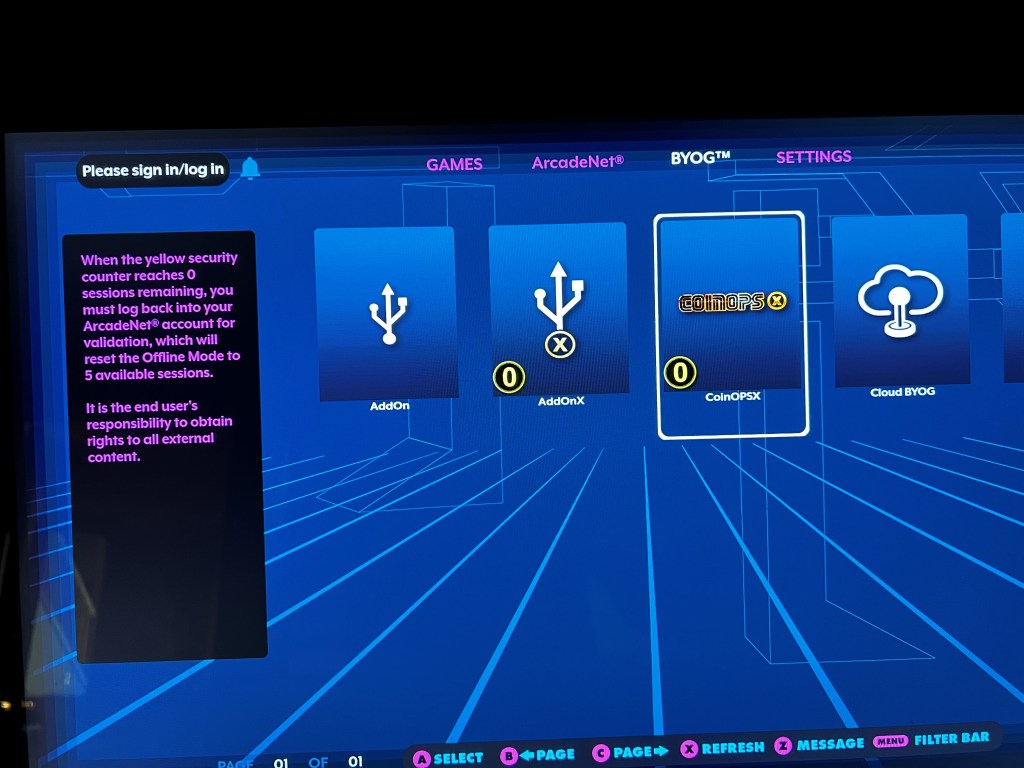
Now use the joystick to navigate to the BYOG section listed at the top of the screen. From there, use the joystick to highlight “CoinopsX” and press the A button. This will take you to a list of the games on that thumb drive. To leave this section you can press the “Rewind” button.
In Coinops you can use the joystick to scroll up and down through game titles and press the A button to launch one.

 matt & andrea